

1. The workflows
1.1 Workflow 1: Stitch → HTML → Figma → Framer → Publication
1.2 Workflow 2: Stitch → Lovable → Publication
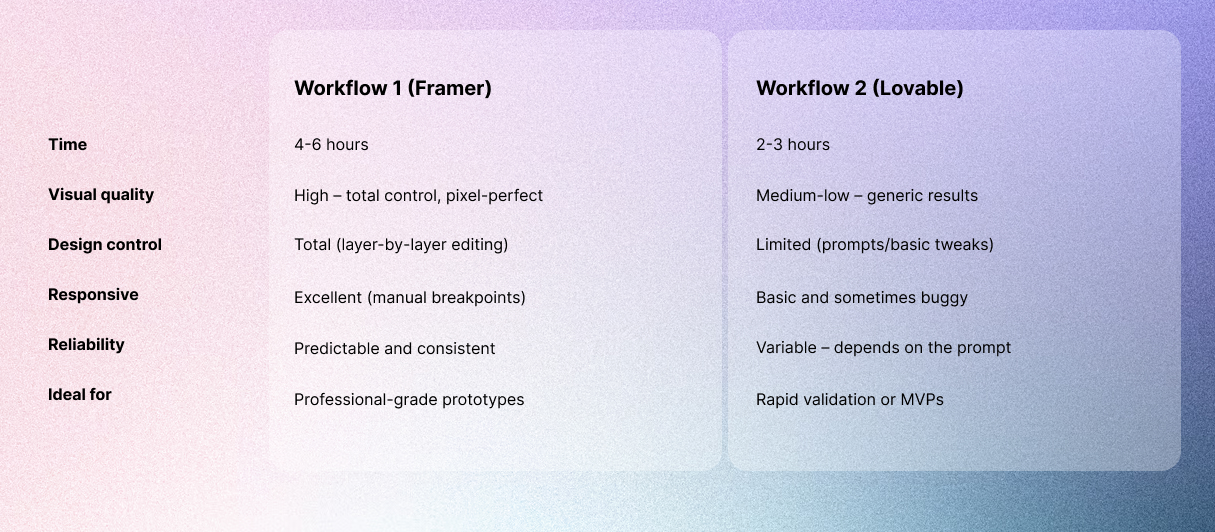
2. Comparison of Results
3. Conclusion
4. Final reflection
Over the past few months, we have been testing numerous AI tools to speed up design tasks and generate higher-quality material. One of our main challenges was generating fast, fully functional prototypes starting from just an idea.
We decided to propose a redesign for an existing website and analyze the work process, time spent, and results obtained. We tested two main approaches that use Google Stitch as a starting point. While both workflows begin by analyzing an existing site, they diverge significantly in their paths and, above all, their results.
The workflows
Workflow 1: Stitch → HTML → Figma → Framer → Publication
This was the first path we explored. Although it involves more manual steps, it provided the best visual results and level of control.
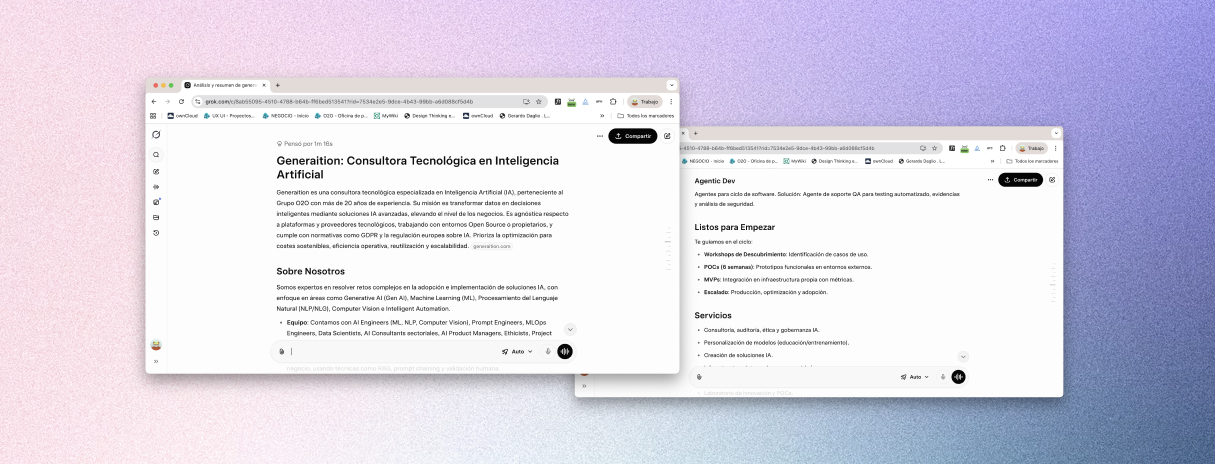
- Analysis: We asked Grok to analyze the URL of the website we wanted to redesign. We provided a reference site for style, requesting a modern and simple look with two specific primary colors, black text, and white backgrounds.
- Prompting: Grok generated a highly detailed prompt optimized for Google Stitch.
- Generation: We entered that prompt into Stitch (using the Gemini 3 Flash version for speed) and generated designs for all main pages. In about 20–30 minutes, we had a complete set of screens with the desired style.
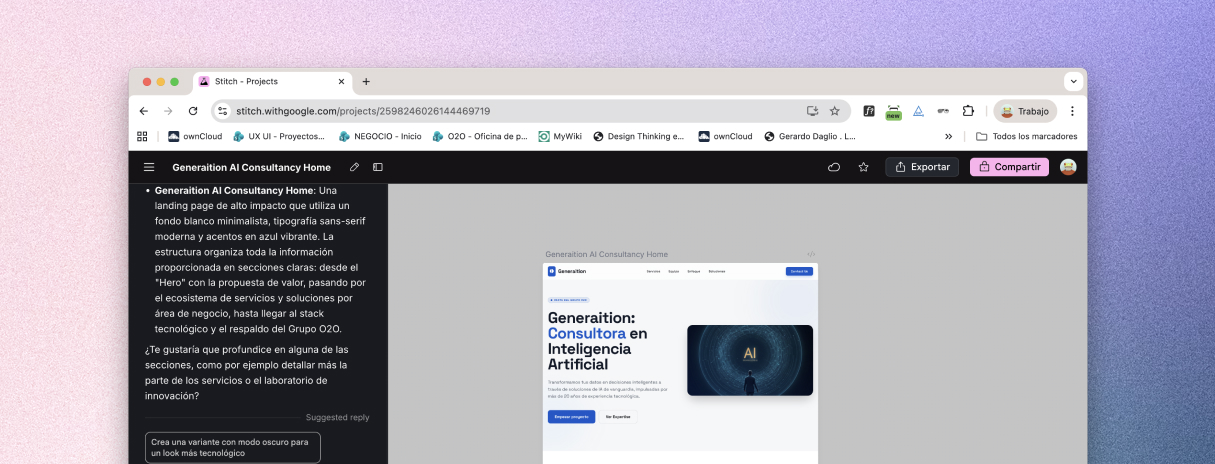
- Export: We exported the pages to HTML from Stitch, as the Flash version does not allow direct copying to Figma.
- Import: We imported the HTML into Figma using the to.design plugin. This converted the code into editable layers, maintaining the structure, typography, and spacing reasonably well.
- Cleanup: In Figma, we adjusted details and cleaned up the layout before exporting the screens to Framer.
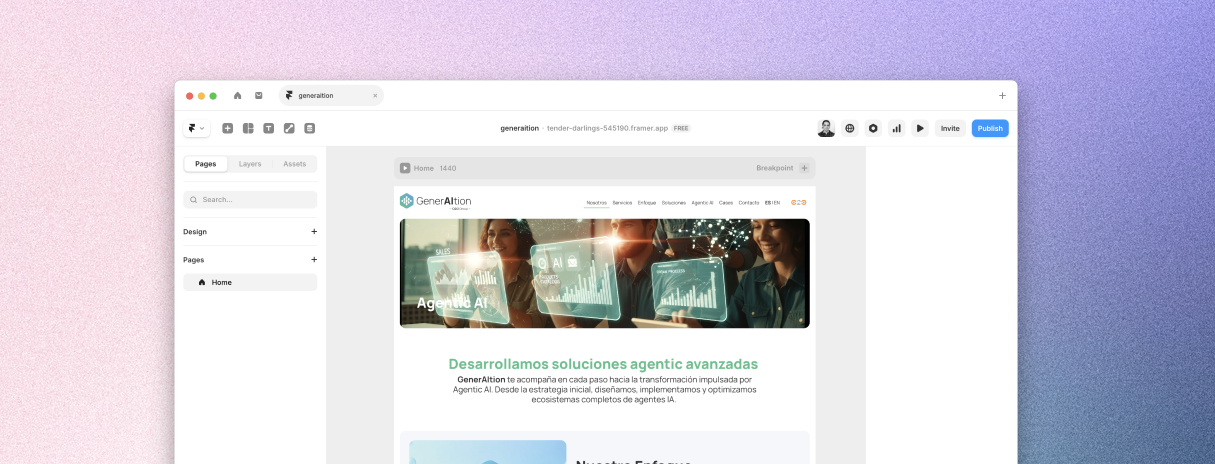
- Final Polish: In Framer, we completed the more manual tasks:
- Adjusted headers and footers that broke during import.
- Corrected elements that lost responsiveness.
- Configured breakpoints (mobile, tablet, desktop).
- Added basic interactions and tested the navigational flow.
- Launch: We published the site directly from Framer.
Total estimated time: 4–6 hours.
Workflow 2: Stitch → Lovable → Publication
The second approach prioritized maximum speed and minimal manual intervention.
- Base Design: We used Google Stitch to generate the base designs using the same detailed prompt from Grok.
- Setup: Instead of exporting HTML, we uploaded the generated screens to Lovable as .jpg captures to provide visual and content references.
- Refinement: We asked Grok for a specific prompt for Lovable to interpret the Stitch designs while maintaining the modern style and colors.
- Generation: We input the prompt and images into Lovable to generate the site.
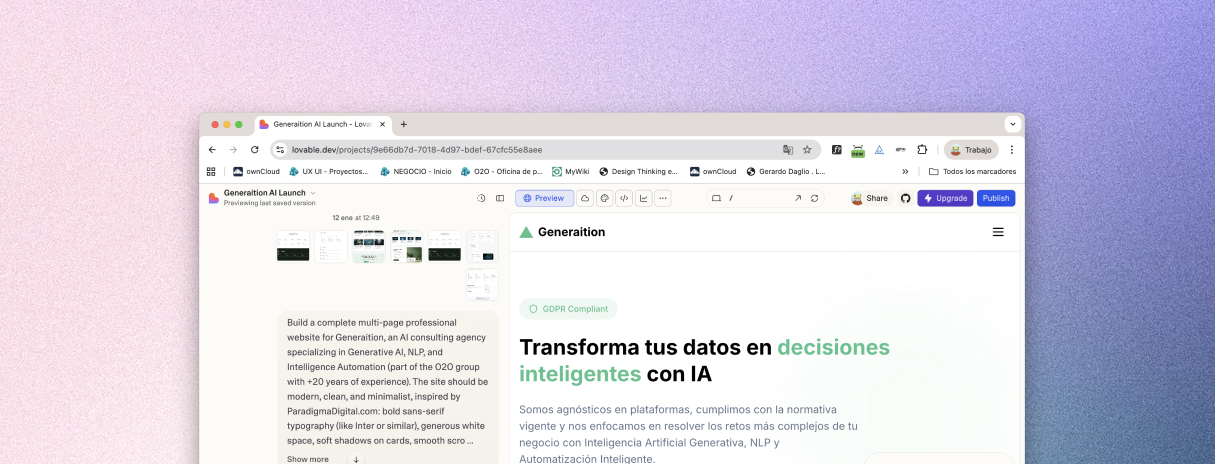
- Automation: The IA generated the entire website (frontend, basic responsiveness, and publication).
- Adjustments: We made minor tweaks via chat with the AI (changing text, moving elements) and published immediately.
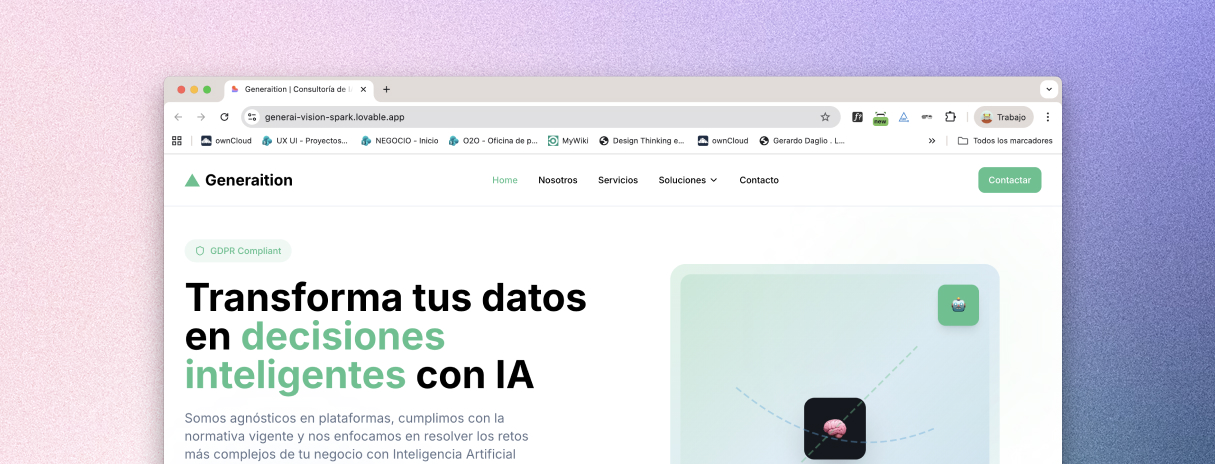
Total estimated time: 2–3 hours.
Comparison of Results
Conclusion
If you seek quality and control, the Figma + Framer workflow is superior. The extra time is worth it because the result looks professional, the responsiveness is reliable, and you can iterate with precision.
However, if you need speed to validate an idea or show something quickly, Lovable is more effective. Just be prepared for a more “generic AI” look and potential editing limitations.
Final reflection
AI design processes are excellent for streamlining manual tasks like documentation and code generation, but results must always be supervised by an expert eye to ensure quality standards are met.
Would you like me to help you draft a prompt for Grok or Stitch to start one of these workflows?